Apple Firmware Password Hash
In this hash the first 17 digits are an identifier for the systems motherboard and the last 16 digits are a hash for the password. Dave compiles fine on Yosemite and will happily but very slowly crack user passwords.
Forgot A Mac Firmware Password Don T Panic Here S What To Do Osxdaily
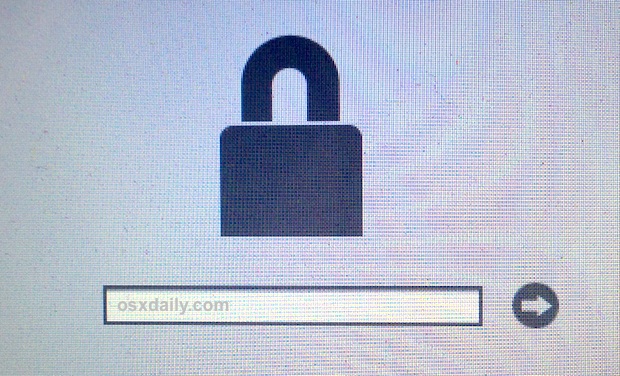
Press Control-Option-Command-Shift-S to reveal a 33-digit hash mixed letters and numbers that contains an identifier for your specific motherboard and the Atmel chip used for your system.
Apple firmware password hash. Boot with Option key held to display the boot menus firmware password prompt. Reboot the Mac and hold down CommandR to enter recovery mode. When you get the hash code how would you go about using it to create a file to then unlock or bypass efi without going back and reading and writing the efi chip.
Mit der folgenden Methode deaktivieren Sie das Firmware-Passwort Ihres Macs und konfigurieren anschlieend ein neues. Apple allows iMac and MacBook users to set a password for their firmware so that no intruder can go in there and change core device settings. Using strong passwords on user accounts and FileVault to apply full disk encryption FDE.
The character string provided by S at the firmware password dialog is 33 printable characters long. This is the string Apple support needs and this is the same string we see inside the SCBO file. Sadly the development of this tool has been stopped but could be forked the current status is.
To reset the firmware password on newer Macs you must now follow these steps. Click Turn On Firmware Password. This operation can take quite a while because it has to go through 10000 iterations of possible pass-phrases in the worst case scenario.
View answer in context. Out of the box OS X uses PBKDF2 to encrypt its user passwords which is very slow to crack for one. Merke dir dieses Passwort.
The firmware password is one of three interlocking methods used to secure Apple computers. Generally this Hash code needs to be sent to Apple Technical Service Provider Support they will send the AASP the unique file that is used to remove the password from that specific machine. Reboot your Mac using the hardware buttons or if you are already inside the Macintosh being turned on hit reboot from the Apple icon.
Select to turn the Firmware Password to OFF. Quit the utility then choose Apple menu Restart. It is the best EFI removal password tool available in the market today.
So how do you figure the last 16 digit character sequence refers to an MD5 hash containing the password. In a nutshell the firmware password in Apple computers prevents non-privileged users from booting from a foreign device. Davegrohl tool created in early 2011 is a password hash extractor companion tool to John the Ripper.
Click Turn On Firmware Password. Firmware-Passwort auf dem Mac zurcksetzen. Enter a firmware password in the fields provided then click Set Password.
Your Mac asks for the firmware password only when attempting to start up from a storage device other than the one selected in Startup Disk preferences or when starting up from macOS Recovery. Wenn du dich nicht an dein Firmware-Passwort erinnern kannst vereinbare einen persnlichen Servicetermin mit einem Apple Store oder autorisierten Apple Service Provider. Apple helps authorized users reset their firmware.
Press and hold down Command R buttons together until the Recovery Mode shows up. At the Utilities screen go to the Utilities menu bar item and choose Firmware Password Utility. For firmware resetHash code for.
Strong account passwords are always the first line of defense. To reset the firmware password on newer Macs you must now follow these steps. If this is successful it will tell you the firmware password is off.
A specific Key combination is used on the Firmware Password screen on the Mac that needs it removed this presents a unique Hash code on the screen of the Mac. Starten Sie Ihren Mac neu und drcken Sie nach dem Startton folgende Tastenkombination gleichzeitig um den Recovery-Modus zu ffnen. Enter a firmware password in the fields provided then click Set Password.
An md5 hash is 16 bytes long 32 hexadecimal digits and can contain any non-printable character. The iRemove is a perfect unlocking tool for Mac Mini Pro MacBook Air Pro. Boot with Option key held to display the boot menus firmware password prompt.
This will ONLY work if it was set by the iCloud. It works on all macOS devices with a T2 security chip. Find the Utilities screen and go to Utilities menu bar.
EFI Firmware Password Removal Software. You can assume that a firmware lock was never set and brute force the firmware lock with a HID device such as a Teensy. To obtain the necessary information you must hold SHIFT CONTROL OPTION COMMAND S on the firmware password prompt screen and a string will be generated.
Schliee das Dienstprogramm und whle anschlieend das Apple-Men Neustart. Klicke auf Firmware-Passwort aktivieren. Bringe deinen Mac und die Originalquittung oder -rechnung als Kaufbeleg zum Termin mit.
The other two are. Users with a Mac computer locked by firmware passcode can remove EFI password with iRemove software. Gib ein Firmware-Passwort in die angezeigten Felder ein und klicke anschlieend auf Passwort festlegen.
For example I have seen you can send certain people the hash code they then go back and send you a file which lets you sign into mac and then no efi and its like it starts it all over fresh to brand new setup screen. Heres how you can bypass firmware password on Mac. When the utilities window appears click Utilities in the menu bar then choose Startup Security Utility or Firmware Password Utility.
Efi Firmware Lock Remote Erase Through Ic Apple Community
Efi Firmware Password Removal Macrumors Forums
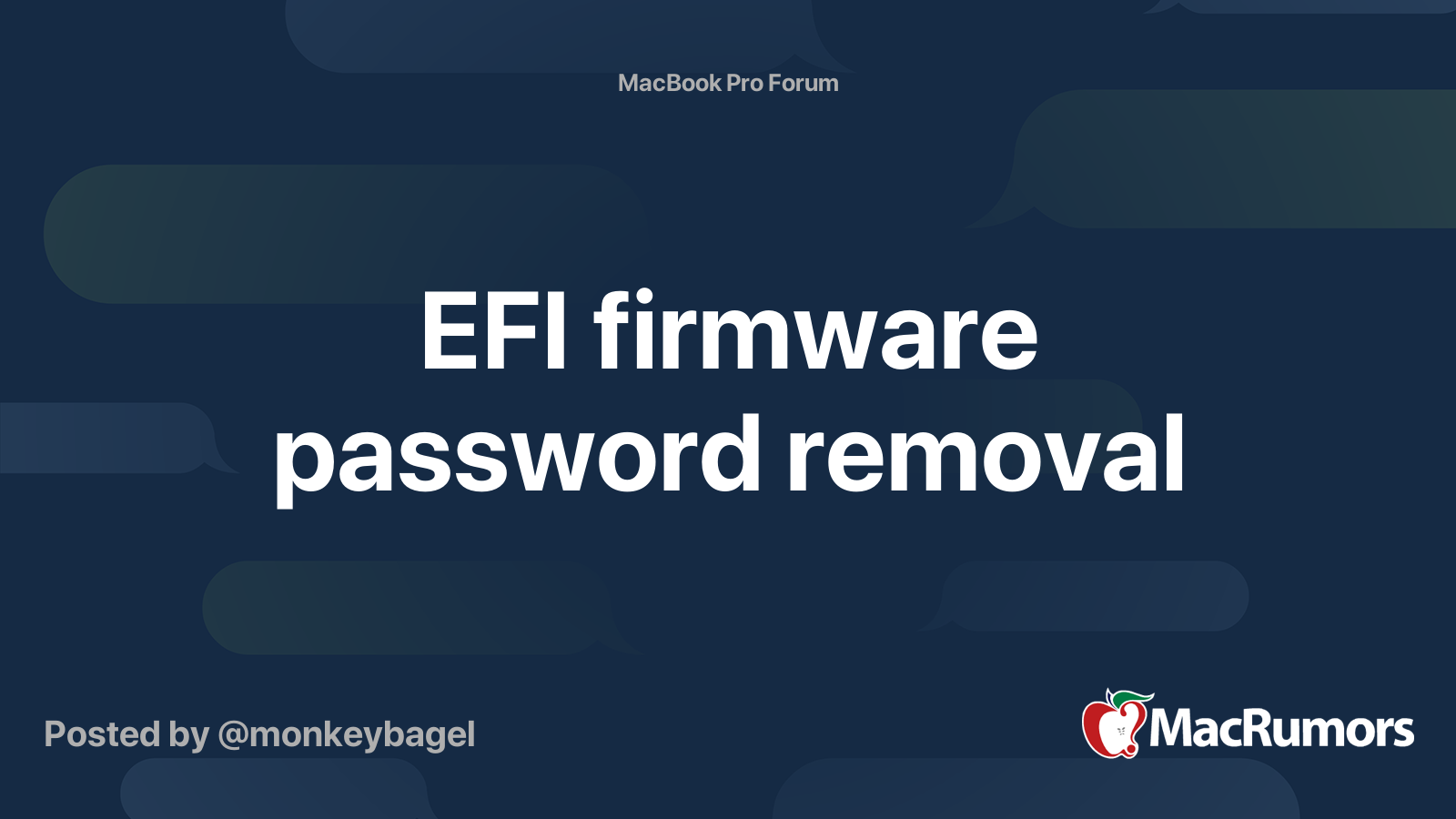

Ios Forensics Infosec Resources

Secure Enclave Apple Atbalsts
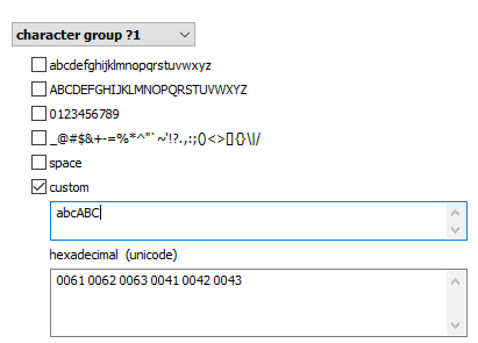
Breaking Luks Encryption Elcomsoft Blog
Forgot A Mac Firmware Password Don T Panic Here S What To Do Osxdaily
New Firmware Password Reset Scheme Booting Computer File

Is There An Efi Monster Inside Your Apple By Pedro Vilaca Code Blu
New Firmware Password Reset Scheme Booting Computer File


Cookbook Fortigate Fortios 6 2 0 Fortinet Documentation Library

How Imessage Sends And Receives Messages Securely Apple Atbalsts

Hashing Encrypt Decrypt Text Description Hashing Is A Powerful App For Encrypt Amp Decrypt Text With 21 Hash Functions Bui In 2021 App Template Mobile App App
Reset Macos Firmware Password Macrumors Forums
Reset Macos Firmware Password Macrumors Forums

Boot Process For A Mac With Apple Silicon Apple Tugi

Sealed Key Protection Skp Apple Palaikymas

Untitled How To Use John The Ripper To Crack Dmg File
Extracting And Decrypting Ios Keychain Physical Logical And Cloud Options Explored Elcomsoft Blog
Efi Reset Tool Macrumors Forums


Post a Comment for "Apple Firmware Password Hash"